Website Speed Optimization for Small Business: A Practical Guide
Key takeaways
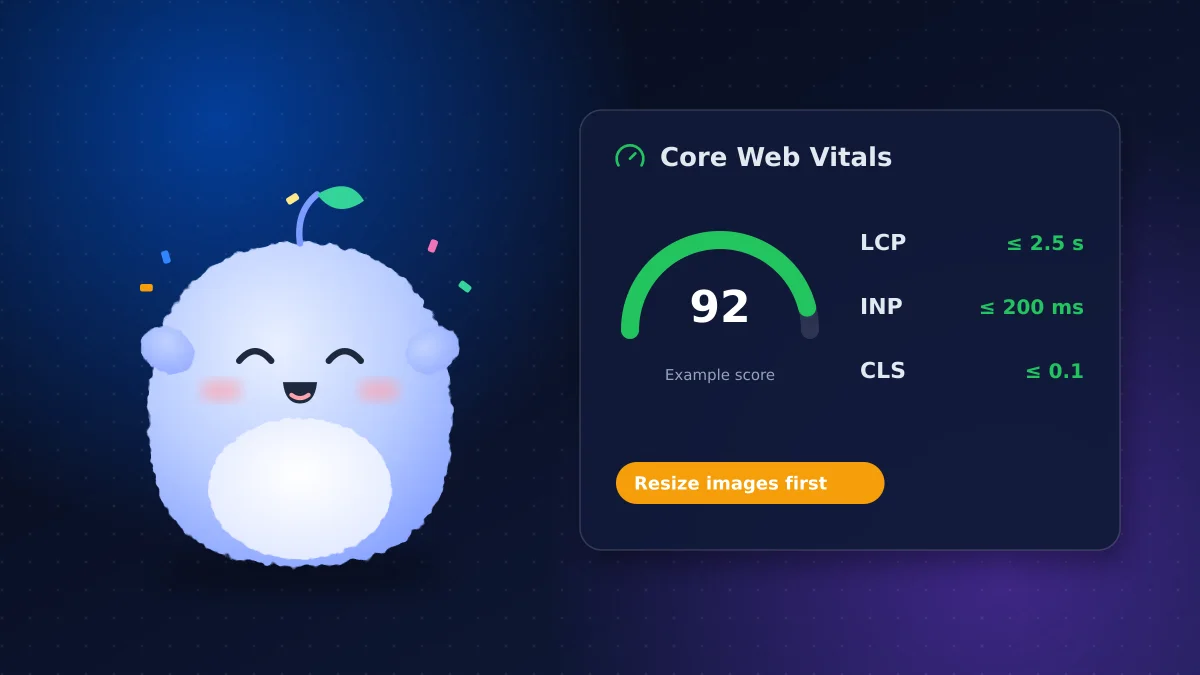
- Google's Core Web Vitals measure loading (LCP), responsiveness (INP) and visual stability (CLS).
- Good targets are LCP within 2.5 seconds, INP within 200 milliseconds and CLS of 0.1 or less, for at least 75% of visits.
- Oversized images are the most common cause of slow small business sites.
- Chat widgets, trackers and embedded tools add up; remove the ones you don't use.
- Test on a phone with PageSpeed Insights, fix the biggest issue, and test again.
A slow website costs you customers before they've read a word. People on phones, often on mobile data, won't wait long for a page that's still loading. Speed also feeds into how Google judges page experience.
The good news is that most small business sites are slow for the same few reasons, and fixing them doesn't require a rebuild.
Why speed matters for small businesses
Speed matters most on the pages that bring in leads and sales: your home page, service pages and booking or contact pages. When those load slowly on a phone:
- Visitors leave before they see your offer
- Contact and booking forms feel broken when buttons don't respond
- Paid ad clicks are wasted on people who never see the page
- Your site can look worse than a faster competitor's in Google's page experience signals
Speed isn't the only thing that decides rankings, and great content still matters more. But a slow page undercuts everything else you've invested in.
How Google measures speed: Core Web Vitals
Google uses three Core Web Vitals to describe how a page feels to real visitors:
| Metric | What it measures | Good |
|---|---|---|
| Largest Contentful Paint (LCP) | How quickly the main content appears | 2.5 seconds or less |
| Interaction to Next Paint (INP) | How quickly the page responds to taps and clicks | 200 milliseconds or less |
| Cumulative Layout Shift (CLS) | How much the layout jumps while loading | 0.1 or less |
A page meets the targets when at least 75% of visits are in the "good" range, measured from real Chrome users. Google's web.dev team explains how these thresholds were chosen.
How to test your site
Use PageSpeed Insights
PageSpeed Insights is free from Google. Enter a page URL and it shows two things:
- Field data: how real visitors experienced the page over the past month, if your site has enough traffic
- Lab data: a simulated test with a list of specific issues to fix
Always check the mobile results first. Test your home page plus your most important pages, such as a service or booking page.
Get a quick overall check
Our free SEO analyzer also flags common speed and technical issues alongside the rest of your on-page SEO.
The fixes that matter most
1. Image optimization
Oversized images are the most common problem we see. A photo straight from a phone can be several megabytes; on a web page it should usually be a small fraction of that. Image optimization means:
- Resizing images to the size they're actually shown
- Using modern formats such as WebP or AVIF
- Lazy-loading images further down the page
- Making sure the main hero image loads first, not last
This alone often fixes Largest Contentful Paint.
2. Cut third-party scripts
Chat widgets, social feeds, review badges, heatmaps, trackers and old ad pixels each add code that the browser has to download and run. Third-party scripts are a common cause of poor INP. Go through them and:
- Remove anything nobody uses or looks at
- Load the rest after the main content
- Replace heavy embeds, such as a video player, with a lightweight preview that loads the real player on click
3. Better hosting and caching
Cheap shared hosting can be slow to respond before anything else loads. Look for:
- Fast server response times
- Page caching
- A content delivery network (CDN) that serves files from locations close to your visitors
4. Prevent layout shift
Layout shift happens when images, ads or banners load without reserved space and push content down. Set width and height on images and reserve space for anything that loads late, such as a cookie banner.
5. Rethink video and sliders
Autoplaying background videos and image sliders on the home page are a common cause of a slow Largest Contentful Paint. A single strong image with a clear headline usually loads faster and converts better than a five-slide carousel. If you need video, load it after the page has appeared, or show a still image with a play button.
6. Trim fonts and themes
Every web font and font weight is another download. Two fonts with a couple of weights is usually plenty. Heavy page-builder themes can also load far more code than a page needs.
Speed myths worth ignoring
- "A perfect 100 score is the goal." Lab scores are a guide. Real-visitor Core Web Vitals and how the page feels on a phone matter more.
- "Speed only matters for big sites." Small sites get most of their visitors on phones too, often on mobile data.
- "A faster host fixes everything." Hosting helps, but a 5 MB hero image is slow on any server.
- "Plugins will handle it." Optimization plugins help, but adding more plugins to fix plugin bloat often makes things worse.
A simple speed routine
- Test your top pages on mobile in PageSpeed Insights
- Fix the biggest issue it lists
- Test again and note the result
- Repeat monthly, and after adding any new plugin or widget
Keep a short log of what you changed and the score before and after. It makes it easy to spot which plugin or widget slowed things down later.
Speed tends to slip as plugins and widgets pile up, so make it part of regular upkeep. Our guide to website maintenance cost in Canada covers what an ongoing care plan includes.
Conclusion: fix the few things that matter
Website speed optimization for a small business site is mostly about images, scripts and hosting. Measure with Core Web Vitals, fix the biggest problem first and keep checking as the site changes.
Want a site that's fast from the start, or help speeding up the one you have? Get in touch.
Frequently asked questions
What are good Core Web Vitals scores?
Largest Contentful Paint within 2.5 seconds, Interaction to Next Paint within 200 milliseconds and Cumulative Layout Shift of 0.1 or less, for at least 75% of visits.
What slows down small business websites the most?
Oversized images are the most common cause, followed by too many third-party scripts such as chat widgets and trackers, slow hosting and autoplaying home page videos or sliders.
How do I check my website speed?
Run your key pages through Google's free PageSpeed Insights, starting with the mobile results, and fix the biggest issue it lists first.
Does website speed affect Google rankings?
Core Web Vitals are part of Google's page experience signals, but relevant, helpful content matters more. Speed mainly helps by keeping visitors on the page long enough to contact you.
Vaibhav Malhotra
Founder, VMR Technologies
Vaibhav Malhotra is the founder of VMR Technologies, where he leads the team building custom websites, e-commerce platforms, and AI solutions for businesses across the Greater Toronto Area and beyond. He writes about practical software and AI strategy for non-technical decision-makers — focused on what actually drives results rather than hype.