Website Security Checklist for Small Business: 12 Checks for 2026
Key takeaways
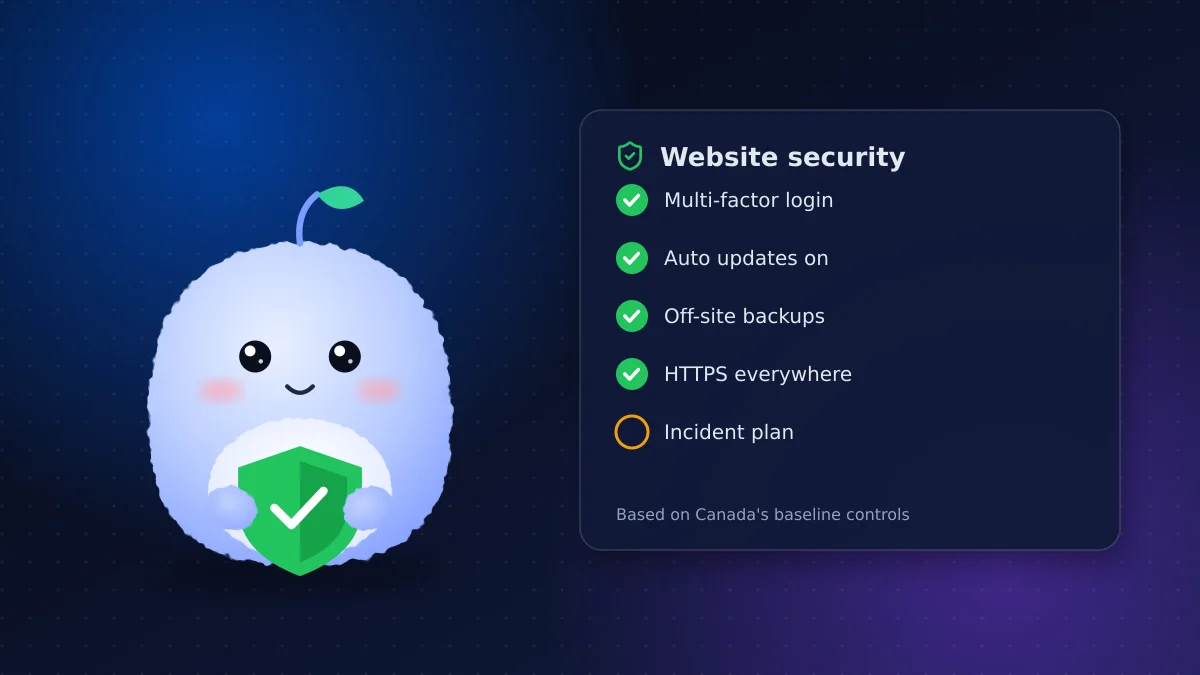
- Most small business website breaches come from outdated software, weak passwords and missing backups, not sophisticated attacks.
- Turn on multi-factor authentication for your hosting, domain registrar, website admin and email.
- Keep automatic backups stored away from your host, and test a restore at least twice a year.
- Canada's Cyber Centre publishes free baseline controls for organizations with fewer than 500 employees.
- Write a one-page incident response plan before you need it.
A hacked website rarely makes the news, but it can quietly cost a small business its leads, its search rankings and its customers' trust. The good news is that most attacks on small sites are automated and opportunistic. They look for old plugins, reused passwords and missing backups, and simple habits close most of those gaps.
This checklist is based on the baseline cyber security controls for small and medium organizations published by the Canadian Centre for Cyber Security, narrowed down to what matters for a business website.
Why small business websites get attacked
Attackers don't usually pick a business by name. Bots scan millions of sites for known weaknesses, then use any site they get into to send spam, host phishing pages or steal form submissions. A small site with an outdated plugin is an easy target precisely because nobody is watching it.
The Cyber Centre's guidance is written for organizations with fewer than 500 employees and follows an 80/20 approach: a short list of controls that gives most of the protection for a fraction of the effort.
Accounts and logins
1. Turn on multi-factor authentication everywhere
Turn on multi-factor authentication for your hosting account, domain registrar, website admin, email and any payment or booking tools. If someone steals a password, the second factor still blocks them. An authenticator app is safer than text messages.
2. Give everyone their own login
Never share one admin account. Each person gets their own account with only the access they need, and you remove it the day they leave.
3. Use a password manager
Long, unique passwords for every account are only practical with a password manager. Reused passwords are one of the most common ways small sites get taken over.
Software updates and hosting
4. Keep software updates automatic
Turn on automatic software updates for your content management system, themes and plugins wherever possible. Check monthly for anything that didn't update.
5. Remove what you don't use
Delete unused plugins, themes, test pages and old staging sites. Every extra piece of software is another thing to patch.
6. Choose hosting that does the basics
Good hosting includes a firewall, malware scanning and isolated accounts. If your host doesn't, that's worth changing. Our guide to website maintenance cost in Canada covers what a sensible care plan includes.
Data, backups and HTTPS
7. Run automatic backups stored off your host
Schedule daily or weekly backups of your files and database, stored somewhere other than your hosting account. If your host is compromised or closes your account, backups in the same place go with it.
8. Test a restore
Backups that have never been restored are a guess. Restore a copy to a test location at least twice a year and confirm the site works.
9. Use HTTPS on every page
Every page should load over HTTPS with a valid certificate, and plain HTTP should redirect to it. Most hosts provide free certificates that renew automatically.
Forms and customer data
10. Protect your forms
Contact and booking forms are a target for spam and abuse. Add spam protection, limit how often a form can be submitted, and check that submissions are sent securely.
11. Collect only what you need
Don't ask for information you won't use, and don't keep form submissions forever. Less stored data means less to lose. Here's what to check:
- Remove optional fields that nobody reads
- Delete old submissions from your website database on a schedule
- Never collect card numbers through a plain website form; use your payment provider's checkout
Have an incident response plan
12. Write it down before you need it
An incident response plan doesn't need to be long. One page that answers these questions is enough:
- Who do you call first: your developer, your host or both?
- Where are the backups, and who can restore them?
- Which passwords get changed first?
- Who tells customers if their information may have been exposed?
Keep it somewhere you can reach if the website and your email are both down, such as a printed copy or a note on your phone. Review it once a year and whenever your developer or host changes.
Warning signs your site may be compromised
Many small businesses only find out about a hack when a customer tells them. Watch for these signs:
- Google Search Console or your browser shows a "this site may be hacked" or "deceptive site" warning
- Search results for your business show pages, products or languages you never published
- Your contact form suddenly sends spam, or stops sending at all
- Your host warns you about unusual traffic or suspends the account
- New admin users appear that nobody on your team created
- Customers report being redirected to another site
If you see any of these, follow your incident response plan: change passwords, restore from a clean backup and patch whatever let the attacker in. Restoring without fixing the cause usually means getting hacked again within days.
Quick reference table
| Area | Check | How often |
|---|---|---|
| Logins | Multi-factor authentication on, one account per person | Review quarterly |
| Software | Updates applied, unused plugins removed | Monthly |
| Backups | Automatic, off-host, restore tested | Twice a year |
| HTTPS | Valid certificate, HTTP redirects | Check yearly |
| Forms | Spam protection, minimal fields | Review yearly |
| Plan | One-page incident response plan | Review yearly |
Conclusion: an afternoon now saves a crisis later
This website security checklist for small business owners won't stop every possible attack, but it closes the gaps automated attacks look for. Start with multi-factor authentication and off-host backups, then work down the list.
Want a second pair of eyes on your site, or a build with these checks in place from day one? Learn about our business website builds or ask us for a review.
Frequently asked questions
What is the most important website security step for a small business?
Turn on multi-factor authentication for your hosting, domain registrar, website admin and email. It blocks most account takeovers even when a password is stolen.
How often should a small business back up its website?
Daily for sites that take orders or bookings, and at least weekly for others. Store backups away from your host and test a restore at least twice a year.
Are there free Canadian security guidelines for small businesses?
Yes. The Canadian Centre for Cyber Security publishes baseline cyber security controls for small and medium organizations, aimed at organizations with fewer than 500 employees.
What should I do if my website is hacked?
Follow your incident response plan: contact your developer and host, change all passwords, restore from a clean backup and fix the weakness that let the attacker in before going back online.
Vaibhav Malhotra
Founder, VMR Technologies
Vaibhav Malhotra is the founder of VMR Technologies, where he leads the team building custom websites, e-commerce platforms, and AI solutions for businesses across the Greater Toronto Area and beyond. He writes about practical software and AI strategy for non-technical decision-makers — focused on what actually drives results rather than hype.