WordPress vs Custom Website: Which Is Right for Your Business in 2026?
Key takeaways
- WordPress runs more than 40% of all websites, so talent and themes are easy to find.
- Most WordPress security problems come from plugins, so every plugin adds maintenance and risk.
- Custom builds are usually faster and need less patching, but cost more up front.
- A headless CMS gives editors a familiar interface while the front end stays custom.
- Compare total cost of ownership over three to five years, not just the launch price.
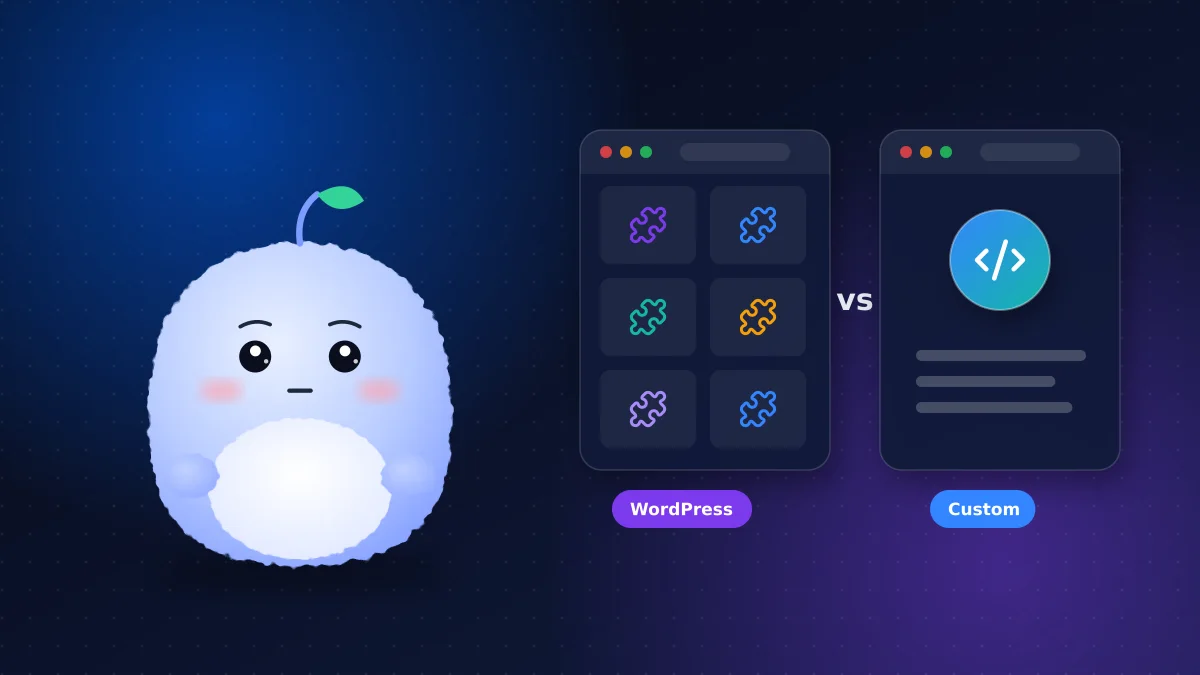
"Should we use WordPress or build something custom?" is one of the first questions in almost every website project. Both are good answers in the right situation. A disclosure up front: we build mostly custom sites with modern frameworks, but we recommend WordPress when it's the better fit, and this guide explains when that is.
WordPress in 2026: still the default for a reason
According to W3Techs, WordPress powers more than 40% of all websites. That popularity brings real advantages: thousands of themes, a familiar editor, plenty of developers and a plugin for almost everything. For a brochure site or blog that a non-technical team will edit daily, it can be the quickest route to launch.
The plugin problem
WordPress plugins are both its strength and its weakness. Each one adds features, and each one adds code that must be updated, tested and trusted. Patchstack's WordPress security research found that about 91% of new WordPress vulnerabilities in 2025 were in plugins, with very few in WordPress core.
A site with five well-maintained plugins is manageable. A site with forty plugins, some abandoned by their authors, is a maintenance burden and a security risk.
Keeping a WordPress site healthy
If you choose WordPress, keep it lean: use a well-supported theme, install only plugins you need from active developers, remove anything unused, apply updates weekly and turn on multi-factor authentication for every admin. Those habits remove most of the risk.
Website security compared
Website security depends more on maintenance than on platform, but architecture matters. A typical WordPress site exposes a login page, a database and many plugins to the internet, so it needs constant patching and protection. A custom site that's pre-rendered and deployed to managed hosting has a much smaller attack surface: often no public admin login, no plugins and no database on the request path. That doesn't make it invulnerable, but it means fewer things to patch.
Page speed and Core Web Vitals
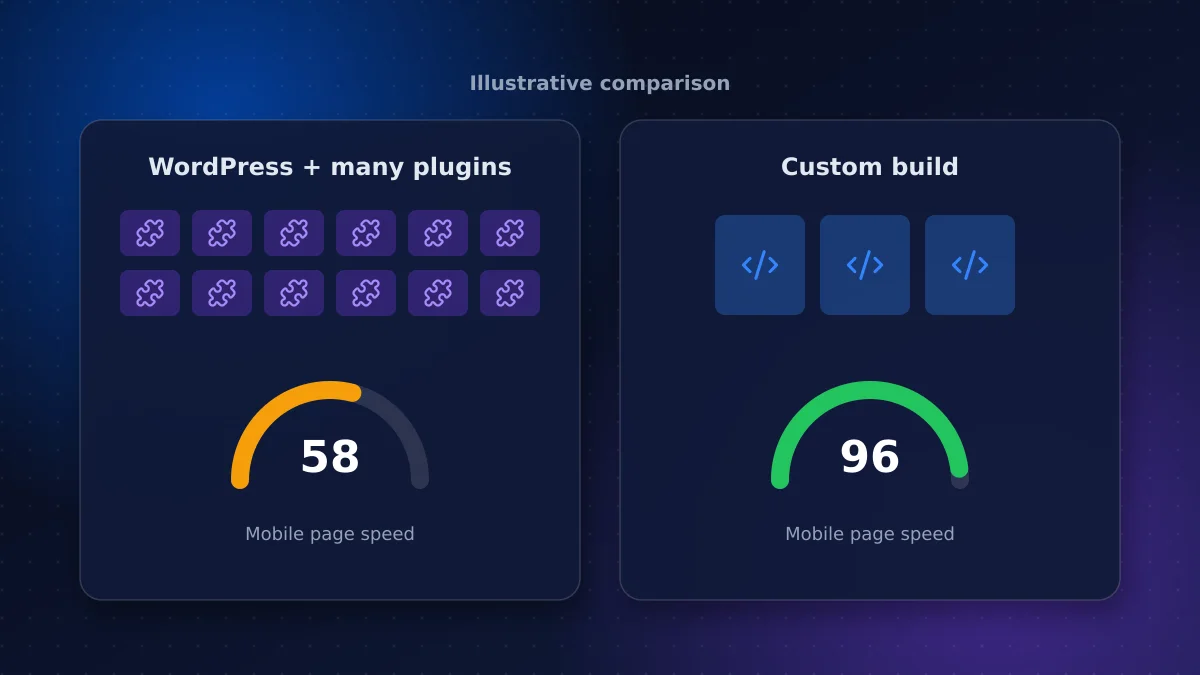
Page speed affects both rankings and conversions. WordPress sites can be fast, but themes and page builders often load large amounts of code on every page. Custom builds start lean: you ship only what each page needs, images are optimized automatically and pages can be served from a global edge network. In our experience, the gap is widest on mobile, which is where most of your visitors are.
Total cost of ownership
Comparing launch prices alone is misleading. Over three to five years, total cost of ownership includes:
| Cost | WordPress | Custom build |
|---|---|---|
| Initial build | Lower, especially with a theme | Higher |
| Premium plugins and licences | Ongoing | Rarely needed |
| Updates and security | Frequent | Less frequent |
| Hosting | Cheap to moderate | Often low on modern platforms |
| Changes to layouts or features | Limited by theme and plugins | Flexible, needs a developer |
Our breakdown of website maintenance costs in Canada shows how much plugin-heavy sites can add each year.
The middle path: a headless CMS
A headless CMS separates the editing interface from the website itself. Editors write in a friendly CMS, which can even be WordPress, while the public site is a fast, custom front end that pulls content through an API. You get easy editing plus custom performance and security. It costs more than a standard WordPress theme, but often less over time than a heavily customized one.
When WordPress is the right choice
- A content-heavy site edited daily by non-technical staff
- A tight budget and a standard layout
- No unusual integrations or custom functionality
- An in-house person or agency committed to regular updates
When a custom website is the right choice
- Speed and search performance are central to your business
- You need integrations with CRMs, booking, inventory or AI tools
- Security and compliance matter, such as health, legal or financial clients
- You want a distinctive design without fighting a theme
- You want lower maintenance once the site is live
What about website builders like Wix or Squarespace?
Hosted website builders are a third option: very quick to launch, low maintenance and affordable for simple sites. The trade-offs are less control over performance, SEO details and integrations, and a design that's harder to make distinctive. They suit a new business that needs a credible presence fast. They're less suited to a business whose website is a main sales channel.
Questions to help you decide
- Who will edit the site, and how often?
- Which systems must the site connect to?
- How important are speed and search rankings to your revenue?
- Who will handle updates and security after launch?
- What will the site need to do in three years?
- What's your budget for build and for five years of running costs?
If most of your answers point to "simple, edited often, few integrations," WordPress or a builder is fine. If they point to "integrated, performance-critical, growing," a custom build usually pays back.
Migrating from WordPress
If you already run WordPress, moving to a custom or headless build doesn't mean starting over. Content can be exported and redirects mapped so you keep your search rankings. The migration is a project in its own right, so plan it carefully rather than rushing it alongside a rebrand.
Conclusion: choose for the next five years
In the WordPress vs custom website decision, choose WordPress when editing ease and a low launch cost matter most, and the site's job is simple. Choose custom when speed, security, integrations and low maintenance will pay back over the life of the site.
We build fast custom business websites and help teams decide honestly between the options. Tell us what your site needs to do and we'll recommend the approach that fits, even if that's WordPress.
Frequently asked questions
Is WordPress or a custom website better for SEO?
Both can rank well. Custom builds often have an edge on page speed and Core Web Vitals because they ship less code, while WordPress relies on careful theme and plugin choices to stay fast. Content and structure matter more than the platform.
Is a custom website more secure than WordPress?
Usually, because a pre-rendered custom site has fewer components exposed to the internet, with no plugins and often no public admin login. Any site is only as secure as its maintenance, though.
Is a custom website more expensive than WordPress?
It usually costs more to build but often less to maintain. Compare total cost of ownership over three to five years, including plugins, licences, updates and changes.
What is a headless CMS?
A headless CMS separates content editing from the public website. Editors use a familiar interface while a fast, custom front end displays the content through an API, combining easy editing with custom performance.
Vaibhav Malhotra
Founder, VMR Technologies
Vaibhav Malhotra is the founder of VMR Technologies, where he leads the team building custom websites, e-commerce platforms, and AI solutions for businesses across the Greater Toronto Area and beyond. He writes about practical software and AI strategy for non-technical decision-makers — focused on what actually drives results rather than hype.