Zoho CRM Implementation Cost in Canada: What Drives the Price
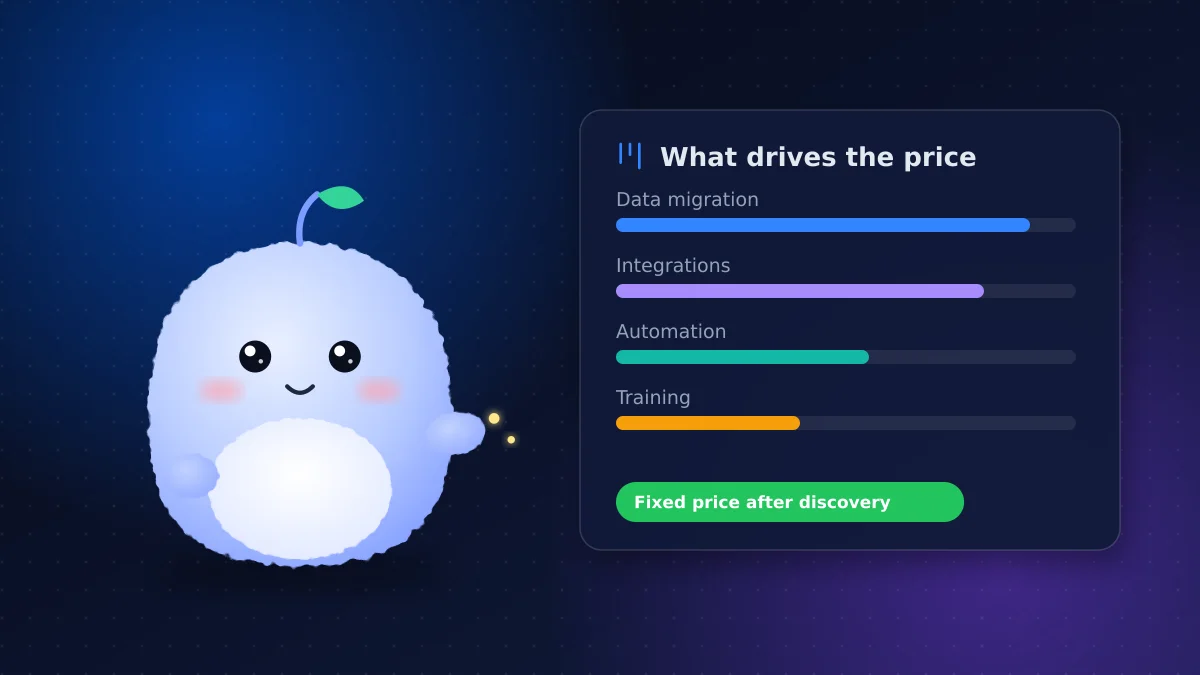
Key takeaways
- Implementation cost is separate from the Zoho licence and covers setup, migration, integrations, automation and training.
- Data migration and integrations are usually the biggest variables in the price.
- A DIY setup saves fees but costs time, and mistakes in data or structure are expensive to fix later.
- Ask for a fixed price based on a written scope, with each part listed separately.
- Start with your core sales process, launch it, then add automation and integrations in phases.
When businesses budget for Zoho CRM, they often look at the per-user licence and stop there. The work of setting it up, moving your data in and getting your team using it is a separate cost, and it's the one that decides whether the CRM succeeds.
This guide explains what goes into Zoho CRM implementation cost so you can compare quotes properly. For the licence side, see our guide to Zoho CRM pricing in Canada.
What an implementation includes
| Part | What happens | What changes the effort |
|---|---|---|
| Discovery | Mapping your sales process, roles and reports | Number of teams and processes |
| Setup | Modules, fields, layouts, pipelines, roles | How different your process is from the default |
| Data migration | Cleaning, mapping and importing your records | Amount and messiness of data, number of sources |
| Integrations | Website forms, email, calendar, phone, accounting | Number of tools and whether they have ready connectors |
| Automation | Follow-ups, assignments, reminders, approvals | Number of rules and how complex they are |
| Training | Role-based sessions and written guides | Team size and comfort with software |
| Support | Fixes and changes after launch | How fast your business changes |
The biggest cost drivers
Data migration
Data migration is often the largest variable. A clean spreadsheet of a few hundred contacts is quick. Ten years of records spread across an old CRM, Outlook and several spreadsheets, full of duplicates, takes much longer. The work includes:
- Removing duplicates and fixing formatting
- Deciding which old fields to keep and where they go
- Importing in the right order so contacts, companies and deals stay linked
- Running a test import and checking it with you before the final move
Zoho provides import and data migration tools for common sources, but someone still has to prepare and check the data.
Integrations
Each tool you connect adds effort. Connecting Gmail or Outlook is usually straightforward. Connecting your website forms, a booking system, accounting software or a custom database takes more design and testing. Tools with ready-made Zoho connectors are cheaper to connect than those that need custom work.
Automation
Simple automations, like a follow-up task when a new lead arrives, are quick. Multi-step processes with approvals, conditions and handoffs between teams take longer to design and test.
Training
Training time depends on how many people use the CRM and how comfortable they are with software. Role-based sessions are more efficient than one long session for everyone.
DIY setup vs hiring help
A DIY setup can work for a solo owner or a very small team with simple needs and time to learn. The trade-offs:
| DIY setup | Hiring a consultant | |
|---|---|---|
| Upfront fee | None | Project fee |
| Your time | High, especially the first month | Lower; mostly decisions and testing |
| Risk | Messy data and structure that's hard to undo | Lower if the consultant tests and documents |
| Speed | Slower | Usually faster |
| Best for | Simple process, one or two users | Several users, migration or integrations |
Many businesses start DIY, get stuck on migration or integrations, and bring in help halfway. Rebuilding a messy setup often costs more than doing it right the first time.
What you'll need to provide
A consultant can only move as fast as your answers. Expect to provide your current data exports, logins for tools being connected, examples of the emails and reports you use today, and time from the people who'll use the CRM. Having these ready before kickoff can noticeably shorten the project.
How to read an implementation quote
A good quote should:
- Be based on a written scope from a discovery session
- List setup, migration, integrations, automation, training and support separately
- State what's out of scope, so surprises don't become extra charges
- Explain how changes are priced if you add requests mid-project
- Say who owns the Zoho account and any custom code
A single number with no breakdown makes it hard to compare consultants or understand what you're paying for. We give every Zoho CRM project a fixed price after discovery, so the number doesn't move once work starts.
A realistic project timeline
Time is part of cost. For a small business, a typical implementation looks like this:
| Week | Work |
|---|---|
| 1 | Discovery sessions and written scope |
| 2 | Setup of modules, fields, pipelines and roles |
| 3 | Test migration, integrations and first automations |
| 4 | Final migration, training and launch |
| After launch | A few weeks of close support, then a support plan |
Projects with several teams, large data sets or custom integrations take longer and are usually split into phases. Slow decisions and late data are the most common reasons a project runs over.
How to keep implementation cost under control
- Clean your data first. Delete old contacts you'll never use before migration, not after.
- Start with the core process. Get leads, follow-ups and deals working before adding everything else.
- Phase the integrations. Connect your website and email first; add accounting or other tools later.
- Limit custom code. Use Zoho's built-in features wherever they're good enough.
- Name one decision-maker who can answer questions and approve the setup quickly.
- Plan for training so the investment actually gets used.
Signs you need help, not more DIY
If any of these sound familiar, outside help usually pays for itself: your import keeps creating duplicates, nobody on the team trusts the data, automations send the wrong emails, or the CRM has been "almost ready" for months. At that point, a short, scoped project to fix the foundations is often cheaper than more weekends of trial and error.
Conclusion: pay for a CRM people use
Zoho CRM implementation cost comes down to data, integrations, automation and training. Get a fixed price based on a written scope, start with your core process and add the rest in phases.
Want a clear scope and fixed price for your project? See our Zoho CRM implementation service or book a free discovery call.
Frequently asked questions
What affects Zoho CRM implementation cost the most?
Usually data migration and integrations: how much data you're moving, how messy it is and how many other tools need to connect to Zoho CRM.
Is implementation included in the Zoho CRM licence?
No. The licence gives you access to the software. Setup, migration, integrations and training are done by you or a consultant and cost time or a project fee.
Can I set up Zoho CRM myself?
Yes, if your process is simple and you have time to learn. Businesses with several users, a data migration or integrations usually save time and mistakes with help.
How do I compare Zoho CRM implementation quotes?
Ask each consultant for a written scope with setup, migration, integrations, automation, training and support listed separately, plus what's out of scope.
How long does a Zoho CRM implementation take?
A focused small business setup often takes about four weeks from discovery to launch. Larger projects with more teams or integrations are planned in phases.
Vaibhav Malhotra
Founder, VMR Technologies
Vaibhav Malhotra is the founder of VMR Technologies, where he leads the team building custom websites, e-commerce platforms, and AI solutions for businesses across the Greater Toronto Area and beyond. He writes about practical software and AI strategy for non-technical decision-makers — focused on what actually drives results rather than hype.