Google Business Profile Checklist for Service Businesses in the GTA
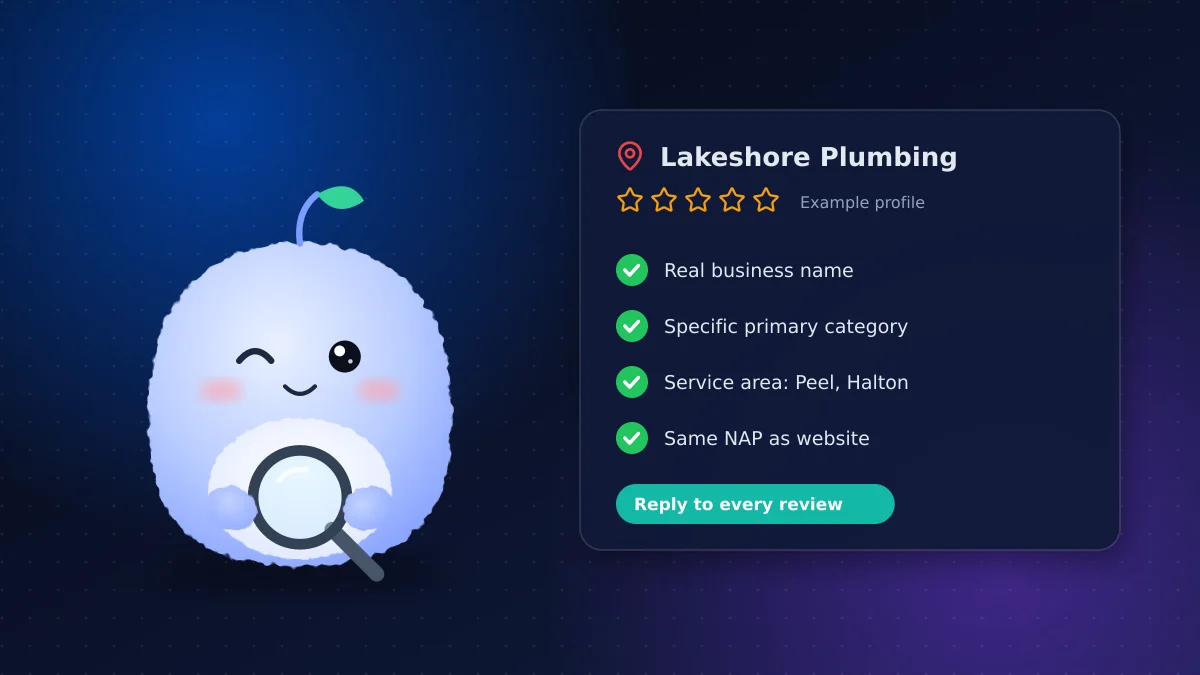
Key takeaways
- Use your real-world business name; adding keywords or city names can get a profile suspended.
- Choose the most specific primary category for your main service, then add secondary categories for the rest.
- Service-area businesses that don't serve customers at their address should hide it and list the areas they serve instead.
- Keep your name, address and phone number identical on your profile, website and directories.
- Ask every happy customer for a review and reply to every review, good or bad.
For a plumber in Brampton, a salon in Oakville or a physio clinic in Mississauga, the Google Business Profile is often the first thing a customer sees, before your website. It decides whether you appear in the map results, what hours people see and whether they call you or the next business down the list.
Use this checklist to set up a new profile or tidy an old one. Google's own guidelines for representing your business are the rulebook; this list turns them into steps.
Get the basics right
Business name
Use the name customers see on your sign, invoices and website. Don't add keywords, city names or slogans: "Lakeshore Plumbing" is fine, "Lakeshore Plumbing Best Emergency Plumber Mississauga" isn't. Keyword-stuffed names break Google's guidelines and can get a profile suspended.
Primary category
Your primary category tells Google what you are. Pick the most specific one that matches your main service, such as "Physiotherapist" rather than "Health consultant." Then add secondary categories for other services you actually offer.
A quick way to sanity-check your choice is to search for your main service in your city and look at the categories shown for the top results.
Phone number and website
Use a local number that a person answers, or that goes to a voicemail or AI receptionist that takes a message. Link to the most relevant page on your website, usually the home page or a booking page.
Address or service area
This is the part many service businesses get wrong.
- You serve customers at your location (a salon or clinic): show your address.
- You go to customers (trades, cleaning, mobile services) and don't receive them at your address: hide the address and set a service area instead.
- You do both: you can show your address and set a service area, as long as staff are there to receive customers during your listed hours.
For a service area, list the cities or regions you really serve, such as Mississauga, Brampton and Oakville. Don't list the whole province to look bigger.
Hours, services and business description
- Regular hours: match what's on your website and door
- Holiday hours: set them ahead of statutory holidays so customers don't arrive to a locked door
- Services: list each service with a short plain description, and prices if you publish them elsewhere
- Business description: in up to 750 characters, say what you do, who you serve and where. Write for people, not search engines. This is the right place to mention your main services naturally.
Photos that build trust
Add real photos of your storefront, team, work and space. For service businesses, before-and-after shots of real jobs work well. Keep adding a few new photos each month. Avoid stock images; customers can tell. Name a person on your team to take a few photos after notable jobs, so the profile keeps growing without a special effort.
Google reviews: get them and answer them
Google reviews influence both your ranking and whether someone calls. Here's a simple routine:
- Ask every satisfied customer, ideally right after the job, with a direct review link by text or email
- Reply to every review within a few days, thanking people by name
- Reply calmly and briefly to negative reviews, and offer to sort it out offline
- Never pay for reviews, offer discounts in exchange for them, or review yourself; it breaks Google's policies
If you're in a regulated profession, check your college's rules on testimonials before asking for reviews.
NAP consistency across the web
NAP stands for name, address and phone number. Google cross-checks your profile against your website and other listings, and mismatches can hurt you. NAP consistency means these details are identical everywhere:
| Where | Check |
|---|---|
| Your website footer and contact page | Same name, address and phone as your profile |
| Directories (Yelp, Yellow Pages, industry sites) | Updated after any move or number change |
| Social profiles | Same details and website link |
| Old listings | Closed or corrected, not left with an old address |
You can check how your website itself looks to search engines with our free SEO analyzer.
Common mistakes to avoid
These are the problems we see most often on GTA service business profiles:
- Duplicate profiles. An old profile from a previous address or owner splits your reviews and confuses Google. Claim it and ask Google to merge or remove it.
- A virtual office or mailbox as the address. Google doesn't accept these as a business location. If you work from home and go to customers, use a service area instead.
- Out-of-date hours. Few things lose a customer faster than showing "open" when you're closed.
- Letting someone else own the profile. Make sure the owner account belongs to the business, not a past employee or agency. Add others as managers.
- Ignoring messages and questions. If you turn on messaging, answer promptly or turn it off.
Keep it active
A profile isn't a one-time job. Every month or two:
- Post an update, offer or recent project
- Answer questions in the Q&A section
- Check that nobody has suggested wrong edits to your hours or address
- Add new photos
Clinics and salons can see how this fits a full booking setup on our salon industry page.
Conclusion: an accurate profile wins the call
A complete, accurate profile is one of the cheapest ways for a GTA service business to win more calls. Work through this Google Business Profile checklist once, set a reminder to review it quarterly and keep the reviews coming.
Want your website and booking flow to turn those profile clicks into booked jobs? Tell us about your business.
Frequently asked questions
Can I add keywords to my Google Business Profile name?
No. Use your real-world business name. Adding keywords, cities or slogans breaks Google's guidelines and can lead to suspension.
Should a service-area business show its address on Google?
Only if you receive customers there during your listed hours. If you go to customers instead, hide the address and list the areas you serve.
How do I get more Google reviews?
Ask every satisfied customer soon after the job, send a direct review link and reply to every review. Never pay for or incentivize reviews.
What is NAP consistency?
It means your business name, address and phone number are identical on your Google profile, website and other listings, so Google can trust them.
How often should I update my Google Business Profile?
Review it every few months and whenever your hours, services or contact details change. Adding photos and posts every month or two keeps it active.
Vaibhav Malhotra
Founder, VMR Technologies
Vaibhav Malhotra is the founder of VMR Technologies, where he leads the team building custom websites, e-commerce platforms, and AI solutions for businesses across the Greater Toronto Area and beyond. He writes about practical software and AI strategy for non-technical decision-makers — focused on what actually drives results rather than hype.